Features — Storage

Your files in one place — 100 GB per seat, shared by the organization.

Storage is the company's shared space for the files the business runs on: contracts, certificates, PDFs, client documents. They live in the same workspace as the clients and invoices they belong to — nothing is emailed to yourself to keep it.

The pool grows with the team: every seat adds 100 GB, and everybody draws from the same pool. Upload files or a whole folder, find them by name, download them anytime, and share one file with a person or with a link — without handing over the rest of the workspace.

30 days free, no credit card · contact@aeorost.org

How it works

Storage, step by step

Real screenshots from the Northwind Studio demo company.

  1. Step 1

    Drop files and whole folders

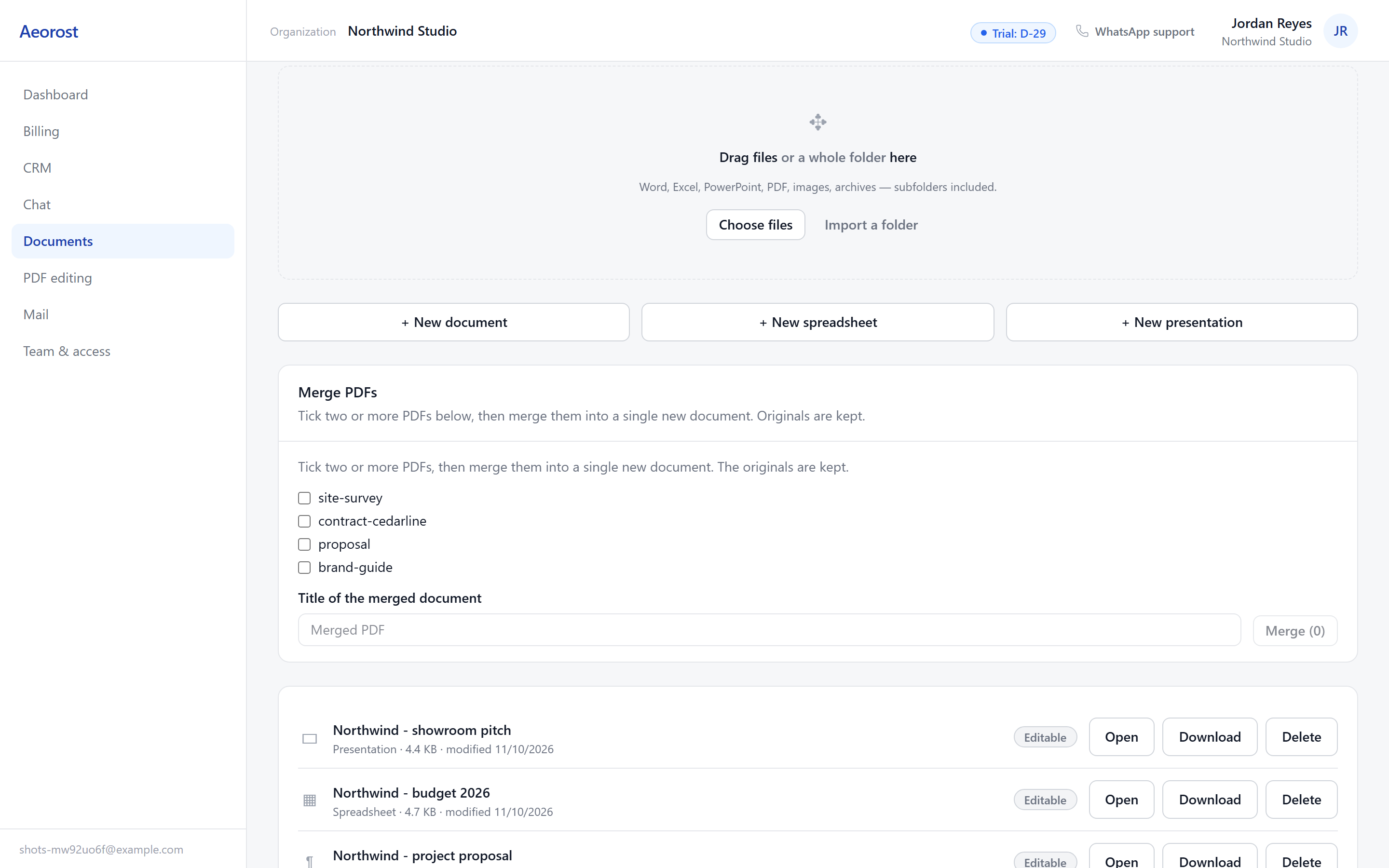
    Drag files or a whole folder onto the page — subfolders included. Search by title finds proposal, site-survey, or contract-cedarline in seconds, and every file keeps the path it came from.

    Storage drop zone with filed files listed below
  2. Step 2

    Open, download, replace

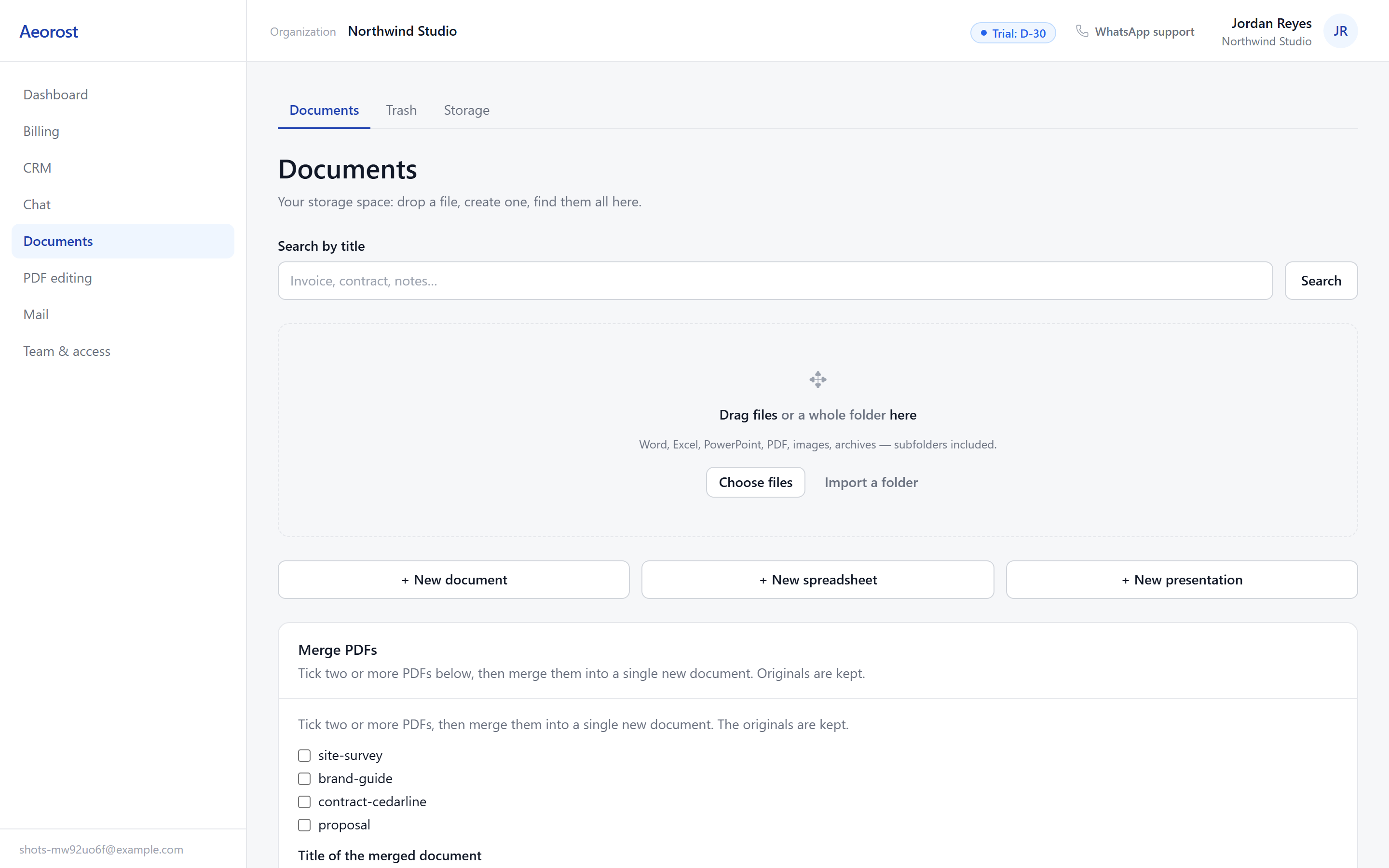
    Click a file to see its details, download it, or replace it. Replacing keeps the previous version, so you can always go back. PDFs, Office files, and images are all filed the same way.

    Storage workspace with folders and files — Northwind Studio demo data
  3. Step 3

    Share one file, not the workspace

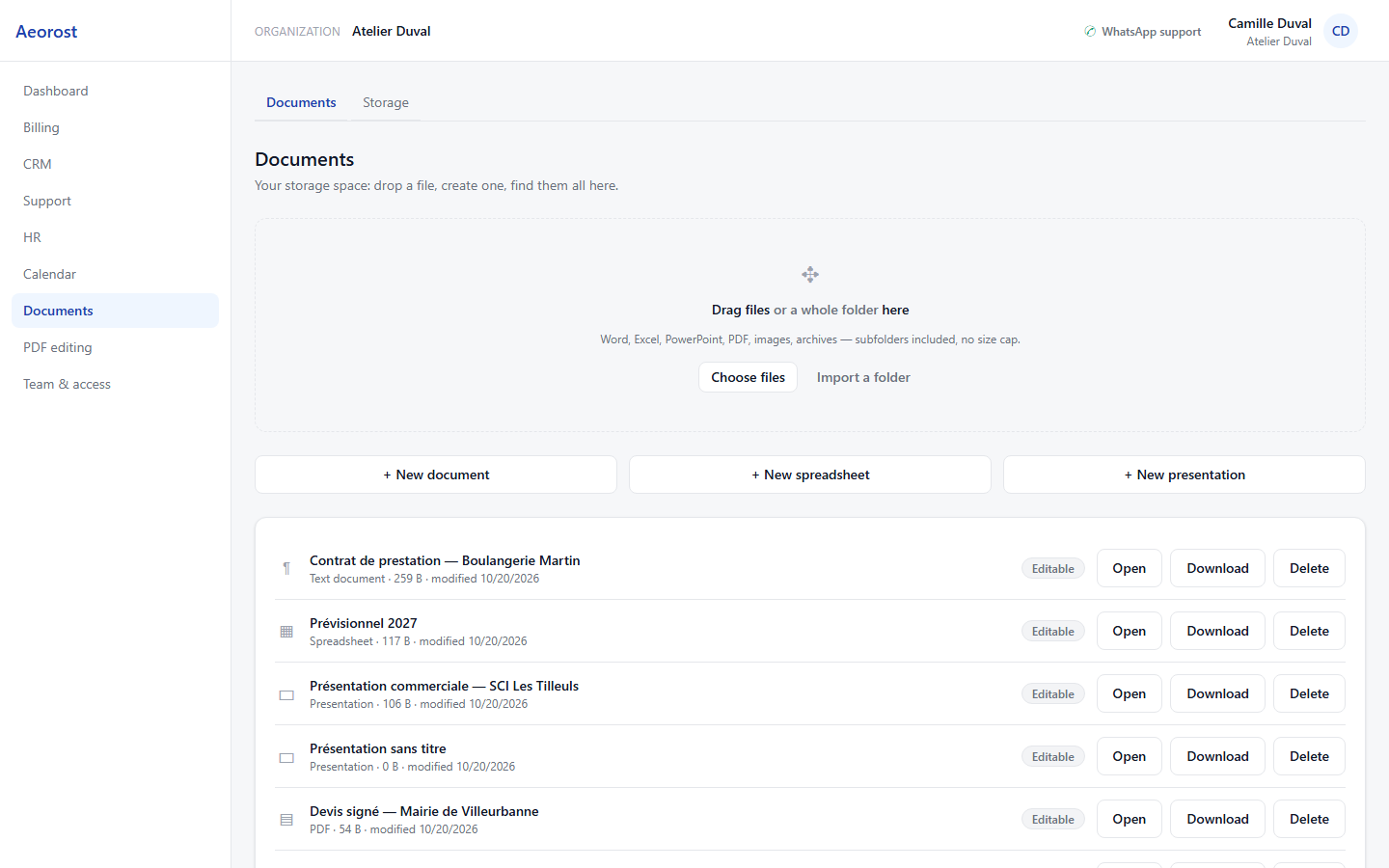
    Share a single file with a colleague — read-only or edit — or create a public link that opens without an account. The link expires or can be revoked at any time; the recipient sees that file only.

    Storage file view with download and share actions
  4. Step 4

    Storage by the seat, capped per person

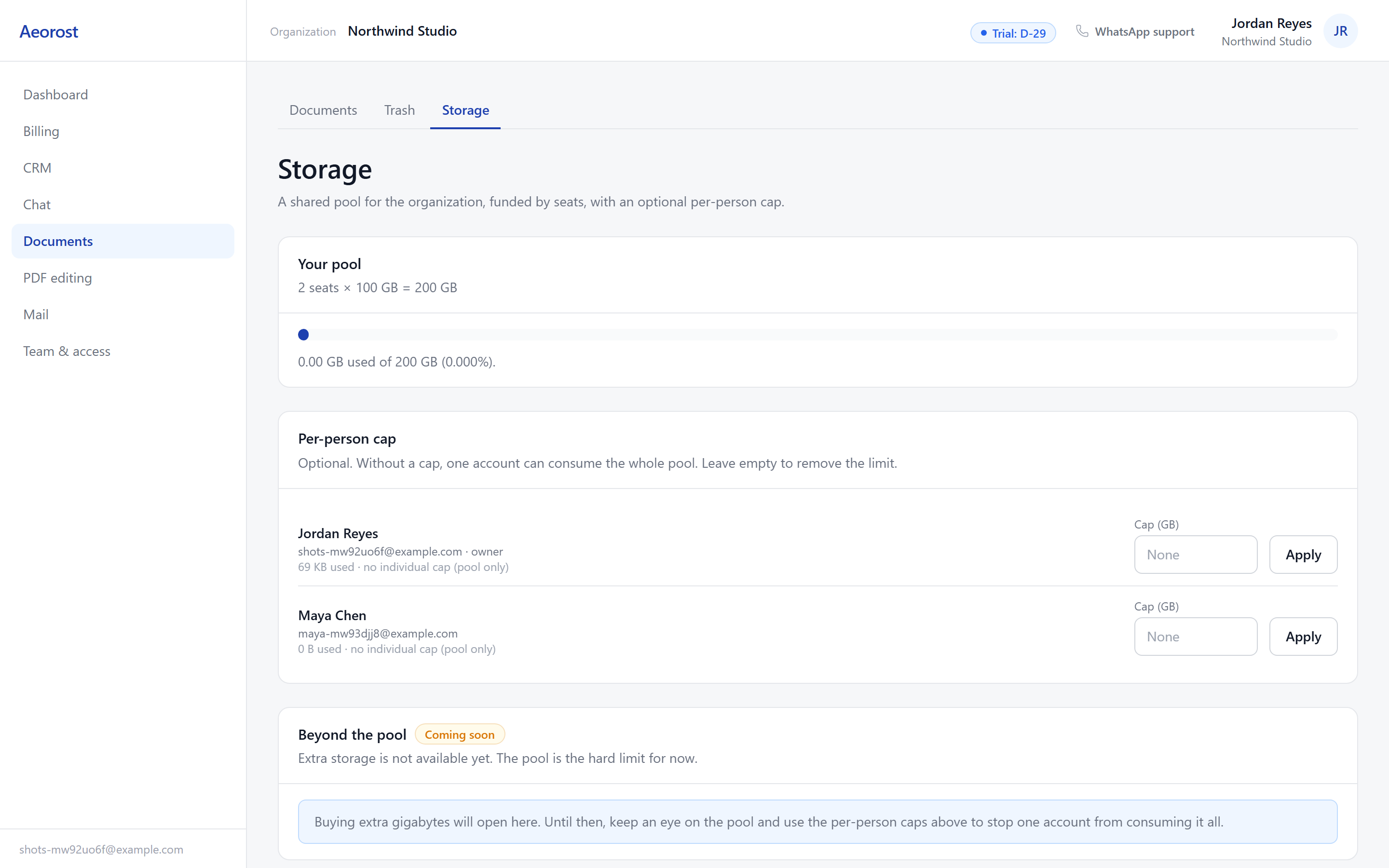
    The pool grows with seats — here 2 seats × 100 GB = 200 GB, 0.00 GB used — with an optional per-person cap so one account can't eat it all.

    Storage pool with shared quota and per-person caps

In real life

Two days with Storage

The people below are fictional. Their days are the ones small-business owners describe to us.

Fictional example — Carlos, project manager at a remodeling company in Nevada

The contract, found by its name

A client asks for the Cedarline contract mid-call. Before, that meant digging through inboxes and shared drives while the client waited.

Carlos types 'contract' in the search box: contract-cedarline is right there, with the site survey and the proposal next to it.

He downloads it and shares a link, and answers before the call ends. One file, found by its name.

A contract found by search, downloaded and shared by link, during the call.

Fictional example — Anna, admin at a commercial cleaning company in Florida

The certificate, sent without sending the whole drive

A new corporate client asks for one certificate. Before, Anna would have zipped a folder and hoped nothing else went with it.

Now she opens the file in Storage, downloads it, and shares a link for that single document. Nothing else is visible.

The storage page shows what's used and caps each person — no single account can swallow the company's files.

One file shared, nothing else exposed, with room that grows by the seat.

Why it pays

What Storage earns you

Replaces the shared drive scramble and the 'send me the file' email chain — not your backups, since you can download everything anyway.

  • 100 GB per seat in one shared pool, with optional caps per person.
  • Files found by title and downloaded in one click — no file-server scramble.
  • Sharing by person or by link, revocable, without exposing the rest of the workspace.

Try it today. Pay later — $27.

30 days free, no card required. Then $27 per user per month. If you'd rather talk first, write to us: the same person answers.

No card · Cancel anytime · 4 tools, one database